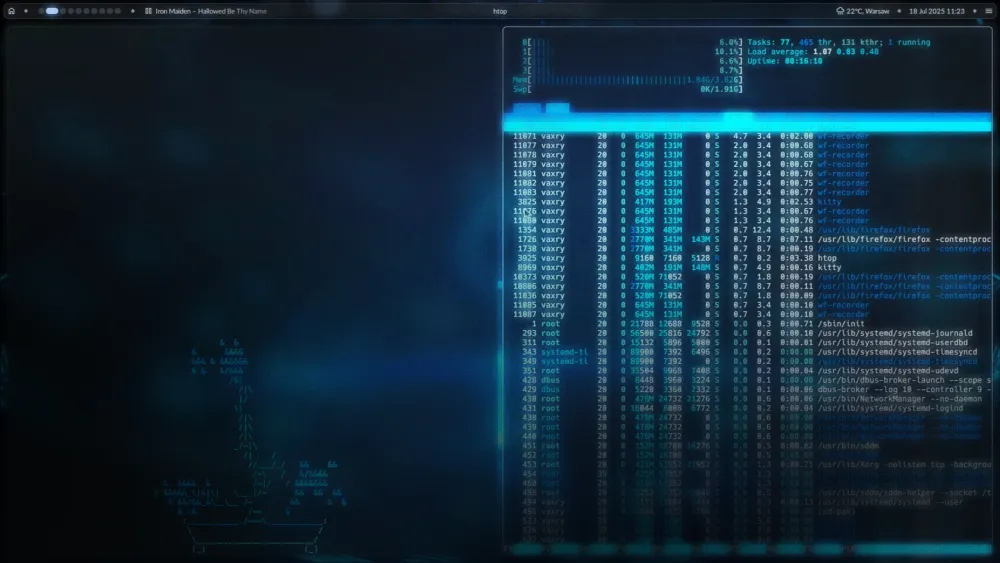
If you have spent any time on Unix-ricing subreddits or developer YouTube, you’ve probably seen clips of hyper-aesthetic, animated tiling setups. Windows sliding smoothly, terminal panels splitting on the fly, custom visualizers bouncing to music.
For me, these two videos got me interested:
To be honest, I was highly skeptical at first.My immediate thought was: "This looks beautiful, but it must be an absolute resource hog." As a software engineer, I don't want to sacrifice raw machine performance for desktop eye candy.
To test my skepticism, I decided to run an experiment. In December 2025, I installed Omarchy, an Arch and Hyprland configuration, on a budget 2018 Lenovo IdeaPad. The laptop ran on a low-power Intel Pentium Silver processor. I fully expected the highly animated Wayland environment to choke the modest hardware.
Instead, it ran beautifully.
The hardware-accelerated rendering kept CPU usage incredibly low, and the system felt snappier than it ever did under a traditional desktop environment. That low-spec experiment was all the proof I needed.
Once I knew the performance was real, I decided to bring Hyprland to my professional setup. For the last three months, I have been daily driving HyDE on CachyOS as my primary development workspace. It wasn't just an aesthetic upgrade. It completely changed how fast I work.
Speed Multipliers: Typing at 150 WPM and Zero Mouse Context-Switching
I am a keyboard-first developer. My typing speed peaks around 138–150 WPM, and I rely heavily on Vim motions to navigate codebases.
When you type at that speed, the physical act of reaching for a mouse is a massive bottleneck. Focus-follows-mouse is okay, but focusing and tiling windows entirely through keybindings keeps your hands exactly where they belong: on the home row.
Hyprland’s dynamic tiling engine (using the Dwindle layout) manages window real estate for you. I don't have to think about where a new terminal window is going to go; I just hit a bind, and it splits cleanly.
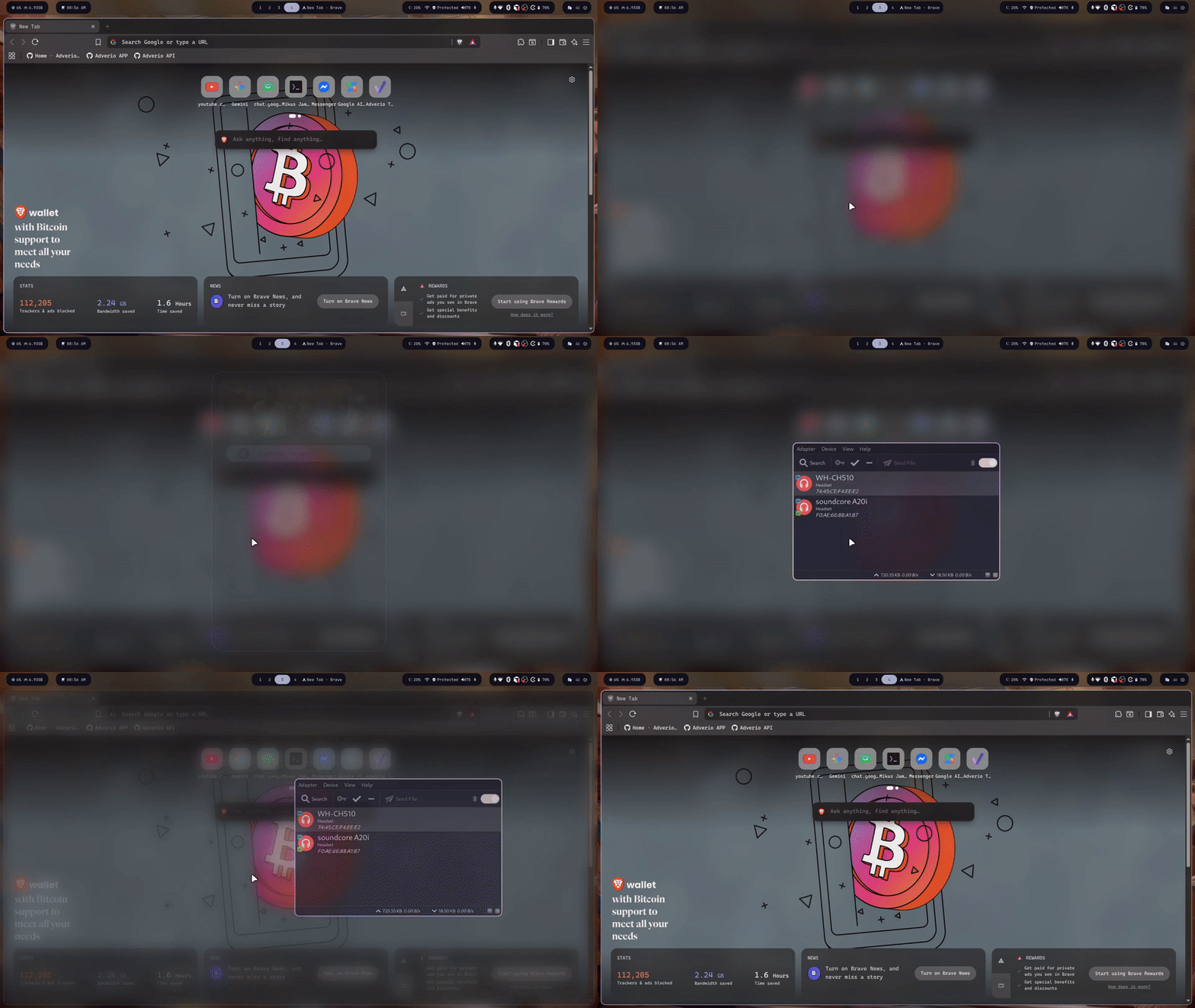
My absolute favorite feature: The Scratchpad (Super + S)
In Hyprland, scratchpads are managed using Special Workspaces. It’s essentially a hidden, toggleable layer on top of your current workspace where you can stash your most-used applications.
I keep my Google Chat, work timer, and pomodoro app in the Scratchpad. With a single keypress (Super + S), the window slides down instantly from the top of the screen. I do my work, hit Super + S again, and it tucks itself away. No minimizing, no workspace switching, and no clutter.
Here is the straightforward config block from my HyDE setup's keybindings.conf to achieve this:
# Move/Switch to special workspace (scratchpad)
$d=[$ws|Navigation|Special workspace]
bindd = $mainMod Shift, S, $d move to scratchpad  , movetoworkspace, special
bindd = $mainMod Alt, S, $d move to scratchpad (silent) , movetoworkspacesilent, special
bindd = $mainMod, S, $d toggle scratchpad ,  togglespecialworkspace
This simple, yet effective functionality became something I can't live without:
How it Fits into My Daily Stack
Moving to a Wayland-native compositor also means my utility tools had to modernize:
- Kitty as my GPU-accelerated terminal emulator.
- Z Shell for fast, out-of-the-box auto-suggestions and clean scripting.
- Waybar for a highly customized status bar that displays everything from system resources to my active network protection status.
By cutting out the heavy, monolithic desktop environments, my system boots faster, responds instantly, and stays out of my way when I'm in the zone.
Final Thoughts
Hyprland successfully bridges the gap between raw performance and modern aesthetics. You don't have to choose between a blazing-fast, keyboard-driven workflow and a desktop environment that looks like it belongs in this decade.
If you are comfortable with Vim motions and want to maximize your desktop ergonomics, the transition is worth every bit of the initial learning curve.
How do you keep your desktop workspace organized? Are you still on a traditional desktop environment, or have you customized a tiling setup of your own? HMU and let's compare configs.